
Features









GGPoker Features & Tools: What You Can Use at the Tables
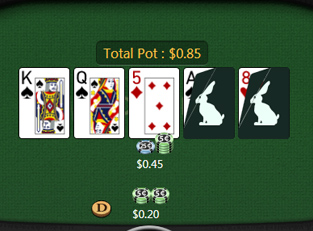
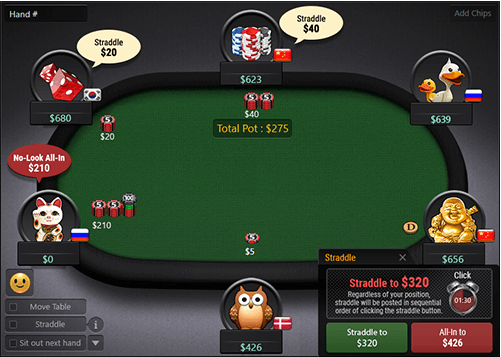
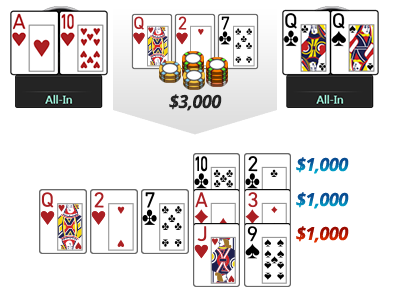
This section covers the GGPoker Features & Tools that shape how you play in the client. You can read about options like Straddle, Rabbit Hunt, PokerCraft, Smart HUD and EV Cashout, and see where each one fits into cash games, tournaments or your own review routine. The list is here to help you find the feature you need without digging through menus.
If you join GGPoker through Betkings, start by signing up via Betkings. Once your account is set up, open the GGPoker client and the available promotions, tournaments and games will be there for you to use. Feature availability can depend on the game type and table, so check the client for the exact option before you sit down.
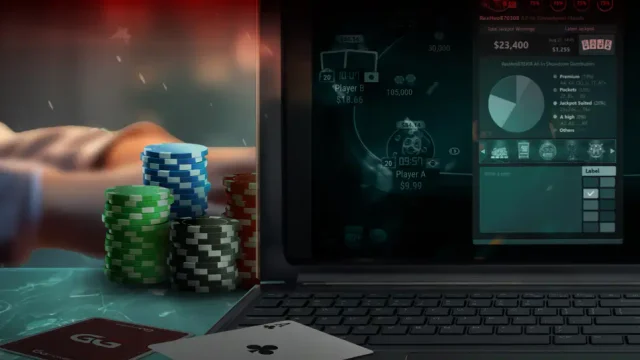
Use this page as a quick reference: scan the list, open the feature you want to understand, then confirm it in the GGPoker client. If you are preparing for a session, look at PokerCraft or Smart HUD first, and check table-specific tools like Straddle or Rabbit Hunt only where they apply.